
How to save in GTA 6 and revisit a mission later
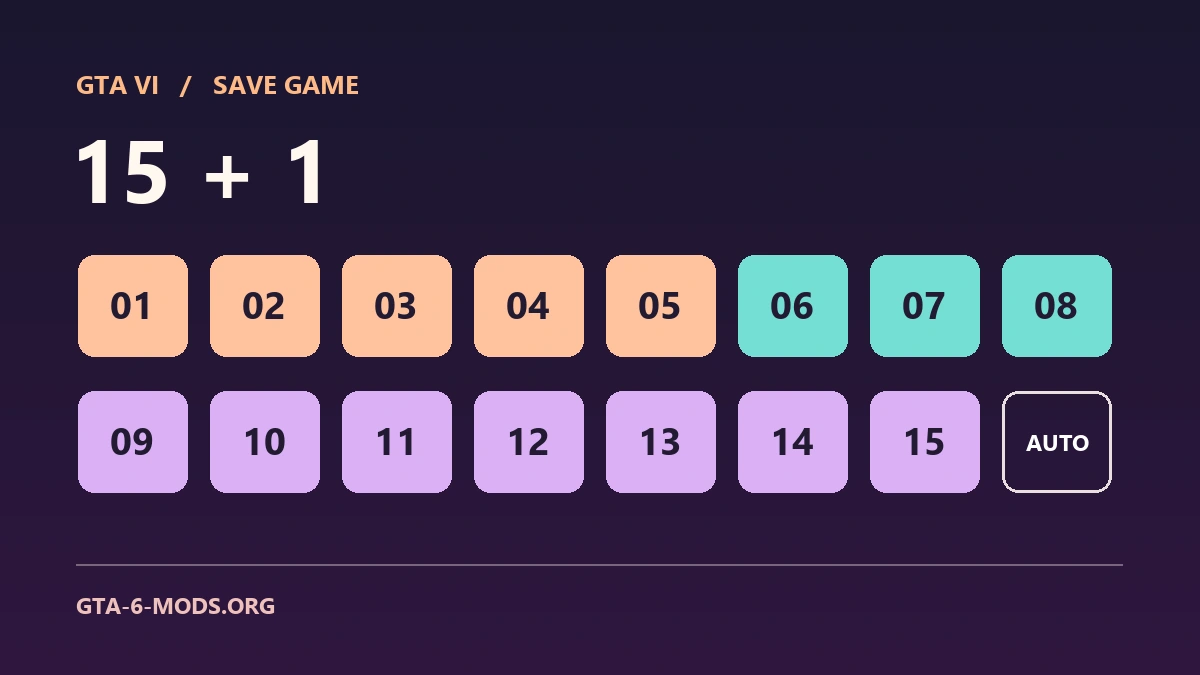
GTA VI gives you 15 manual slots and one autosave. A well-placed save before a mission can preserve a part of the story you might otherwise have to start over to see.
 GTA-6-Mods Editorial1 min read
In this article
Make a save you can find again
During free roam, press Options on PS5 or Menu on Xbox Series X|S. In the pause menu, open Game → Save Game, then choose an empty slot. Before overwriting an occupied slot, decide whether there is a moment on it you still want to return to. You can use Load Game in the same menu when you want to revisit that point.
If Save Game is greyed out, finish the current mission and try again once you can move freely. If you have been using cheats, quit that session and load your previous clean save before continuing.
A practical way to divide the 15 slots
Suppose you want to see a favourite mission twice without giving up your current run. Save in free roam before its starting marker. Later, before loading that older file, save your present-day progress in a different slot. After the replay, load the newer file to resume where you left off.
| Slots | Keep here |
|---|---|
| 01–05 | One chapter-opening save for each of the five chapters |
| 06–08 | Three recent saves, used in rotation |
| 09–15 | Moments you choose, including a pre-mission or clean post-story save |
What happens to the autosave?
PowerPyx found one automatic slot alongside the 15 manual ones. Loading an older point can replace that autosave. A second manual copy of your latest progress is what makes the return trip possible. For example, keep slot 06 for tonight’s progress while you revisit a mission from slot 09. Avoid writing over 06 during the replay.
Can you pick a finished mission from a list?
PowerPyx found no mission replay or chapter selector in the launch version. Its guide also notes that some optional missions become unavailable as the story moves on. If a side mission interests you, a manual save before advancing the chapter gives you a way back. After the credits, free roam remains available for collectibles and other completion goals.