
GTA VI gives PS5 players separate controls for touch, sound and camera movement
Rockstar’s launch-week settings guide places vibration, subtitle size and camera comfort in different menus. Here’s where to start on PS5.
 GTA-6-Mods Editorial1 min read
In this article
What the DualSense adds
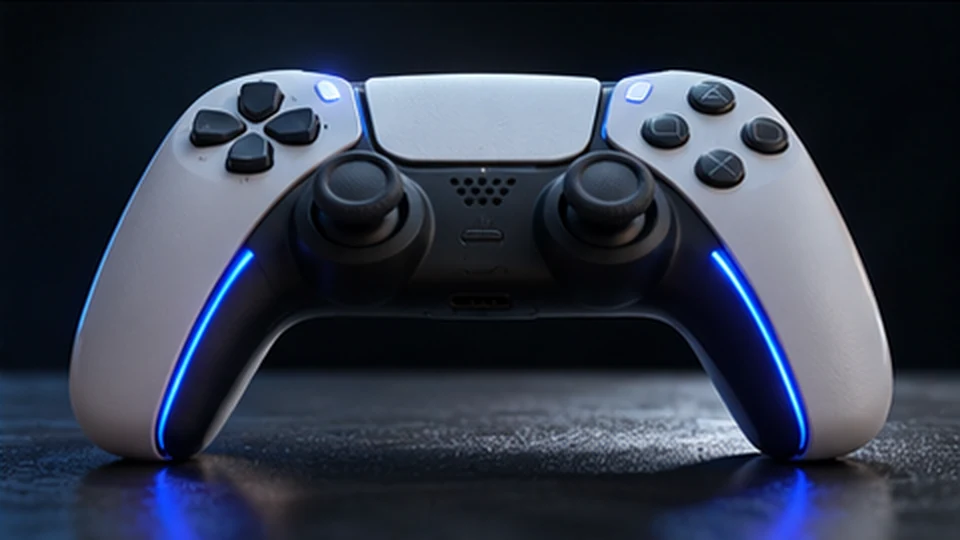
A cue in GTA VI on PS5 can reach you through three parts of the same controller. Sony describes vibrations through the body of the DualSense, resistance in its adaptive triggers and effects played through the small onboard speaker. The game also uses the PS5’s Tempest 3D audio system to position sounds around the player. Those are separate channels. If it’s the sound coming from your hands that bothers you, reducing the television volume can leave the actual problem untouched.
Where Rockstar put the controls
Rockstar Support published its settings directory on November 18. Open the pause menu, then Settings. The Controller category covers the DualSense features alongside sensitivity and inverted controls. Control Scheme is where you go to change the layout for a particular activity. Driving a land vehicle, swimming and flying have their own schemes.
There’s a useful distinction for anyone who feels uncomfortable when the view moves. Open Camera for comfort options and settings for different modes of travel. For text that’s too small to read from the sofa, look under UI for scaling, subtitles and captions. Under Audio you’ll find setup, volume and narration. Take a note of an original value and change one setting at a time so you can recognise the adjustment that helped.
Set up headphone positioning on the console
PS5 has a separate headphone calibration outside the game. With your headphones connected, open Sound in the console settings and select the headphones section for 3D audio. Sony offers a personalised profile built from listening tests. A good comparison is to keep the headset and volume the same, return to one spot in the game and turn the camera slowly past a steady sound. Then change the profile and repeat. That keeps the comparison about positioning instead of loudness.